Technical settings
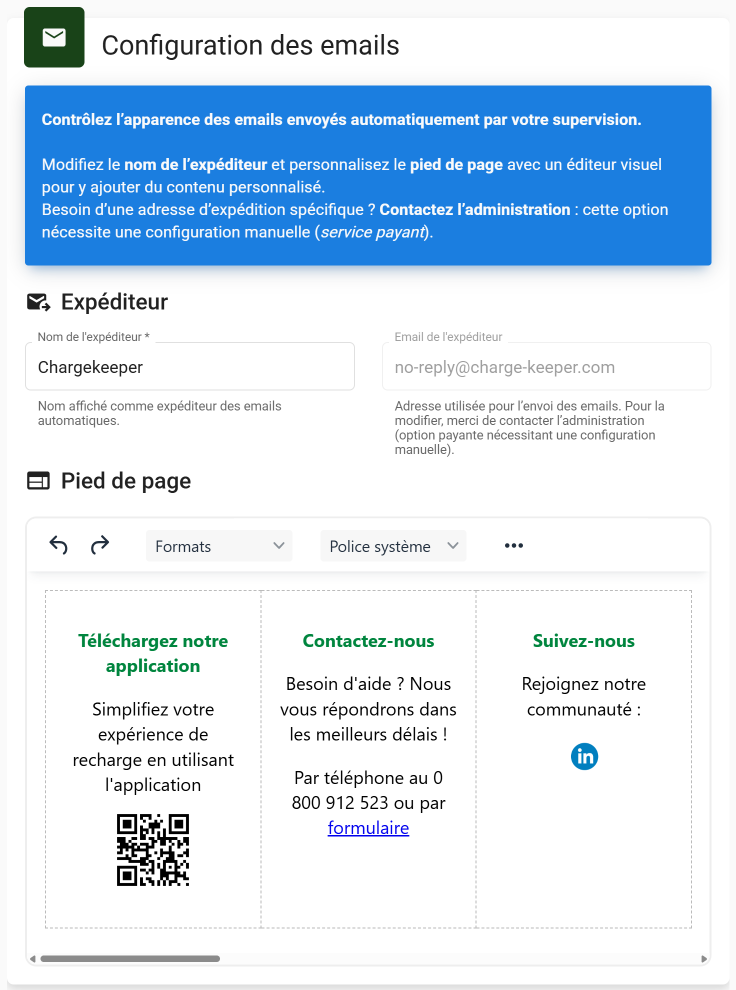
Customize the footer of your emails directly from the supervision platform to send communications to users with your company's information.
To access email customization:
- Click on the Technical settings module
- Click on the Email tab
- Configure your email footers
Images inserted into the footer must be hosted on a server accessible via a public URL (e.g.: https://...), so that the recipient can see them.
Local images are not allowed.