Technical settings
Este artículo aún no está disponible en Español. Se muestra la versión en English.
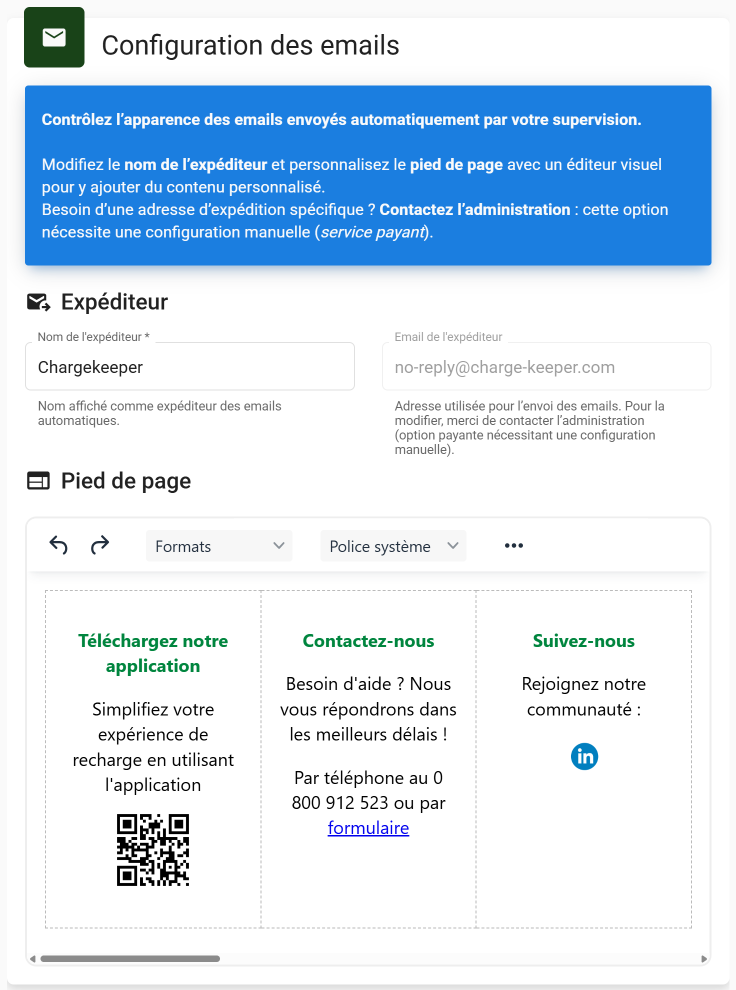
Customize the footer of your emails directly from the supervision platform to send communications to users with your company's information.
To access email customization:
- Click on the Technical settings module
- Click on the Email tab
- Configure your email footers
Images inserted into the footer must be hosted on a server accessible via a public URL (e.g.: https://...), so that the recipient can see them.
Local images are not allowed.